Breeze
A Site
Bridge
Tuck into this corner:
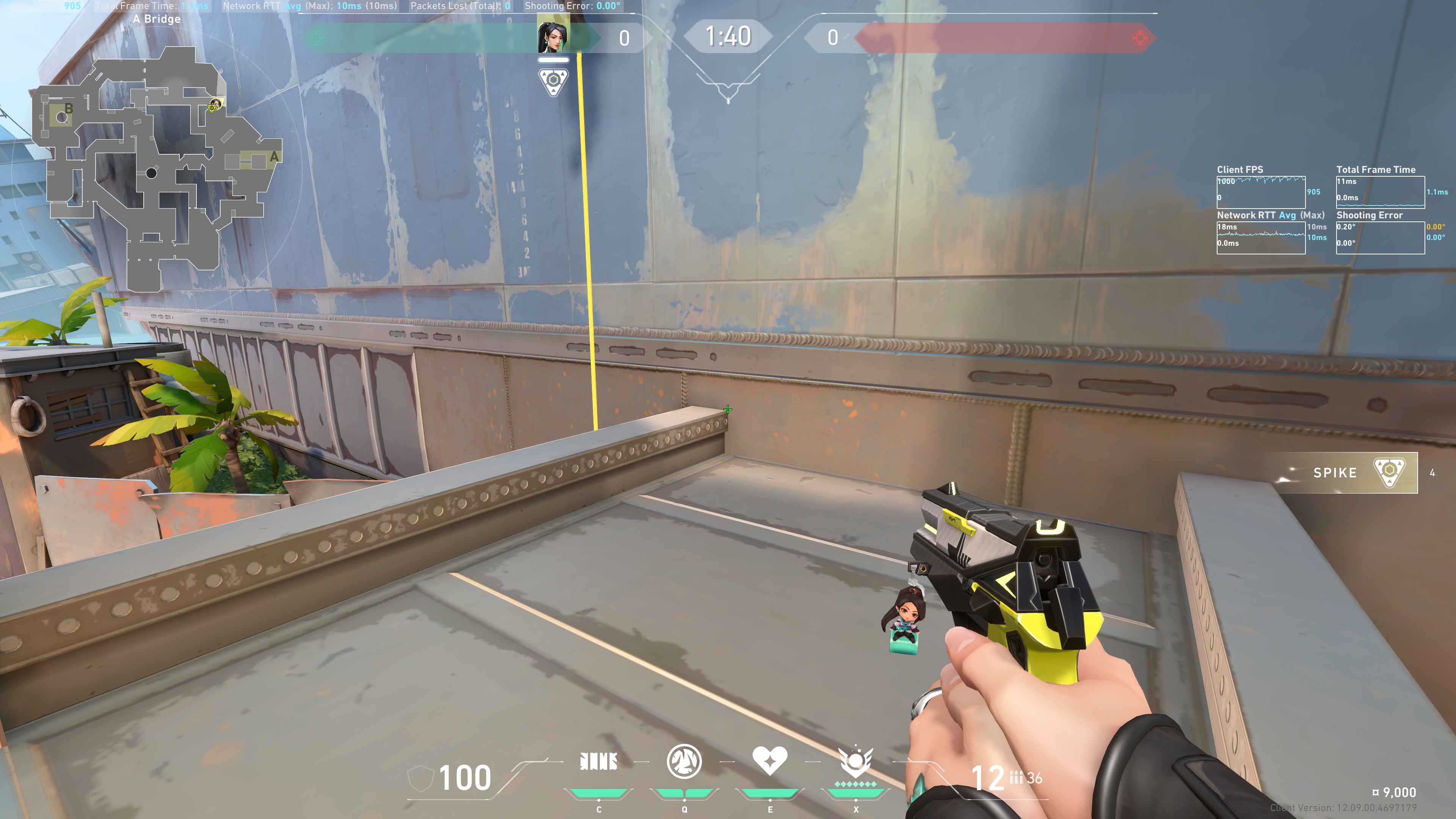
Aim at this ledge:
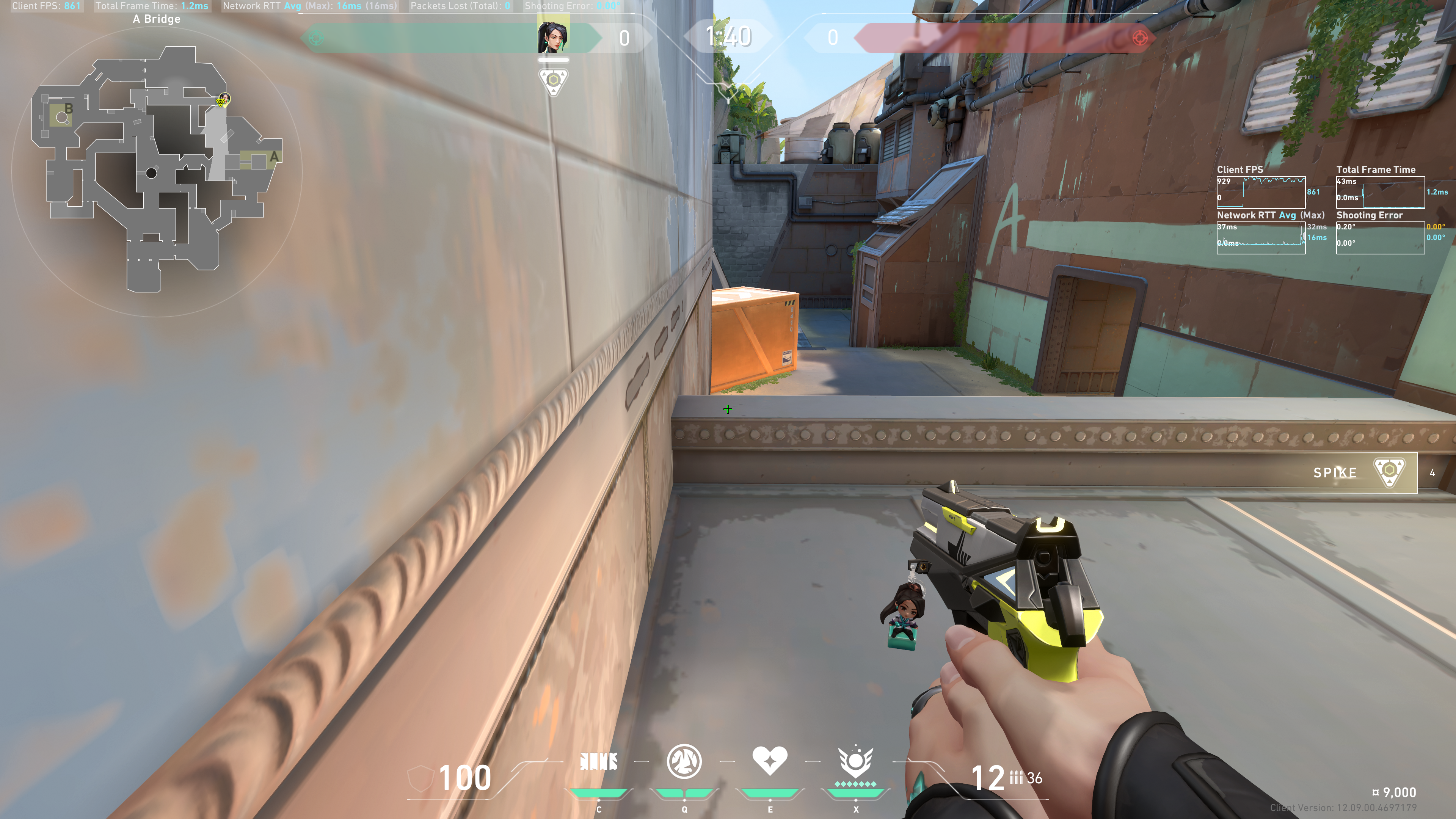
To maximize the length and width of our wall, we want to do the following:
- Aim the wall as far left as possible that still allows us to place the wall.
- Aim the wall as far forward as possible that still allows us to place the wall on the ledge. Since wall does not have a crosshair, switch back to a weapon to use your crosshair and ensure your crosshair is still on the ledge.
The optimal crosshair position would essentially look like this:
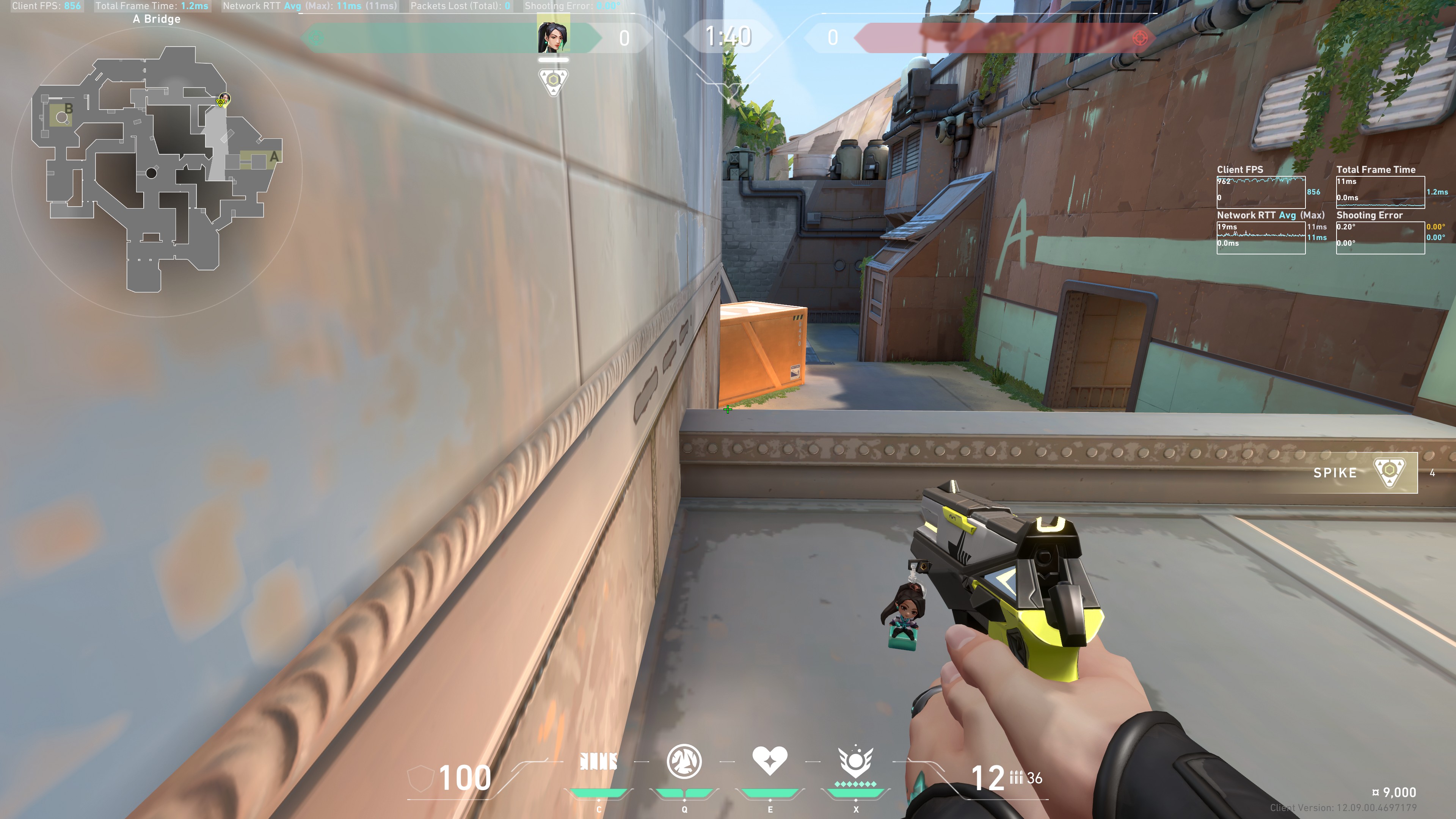
Next tilt the Ice Wall indicator slightly into the wall to your left, until you see the indicator get longer:
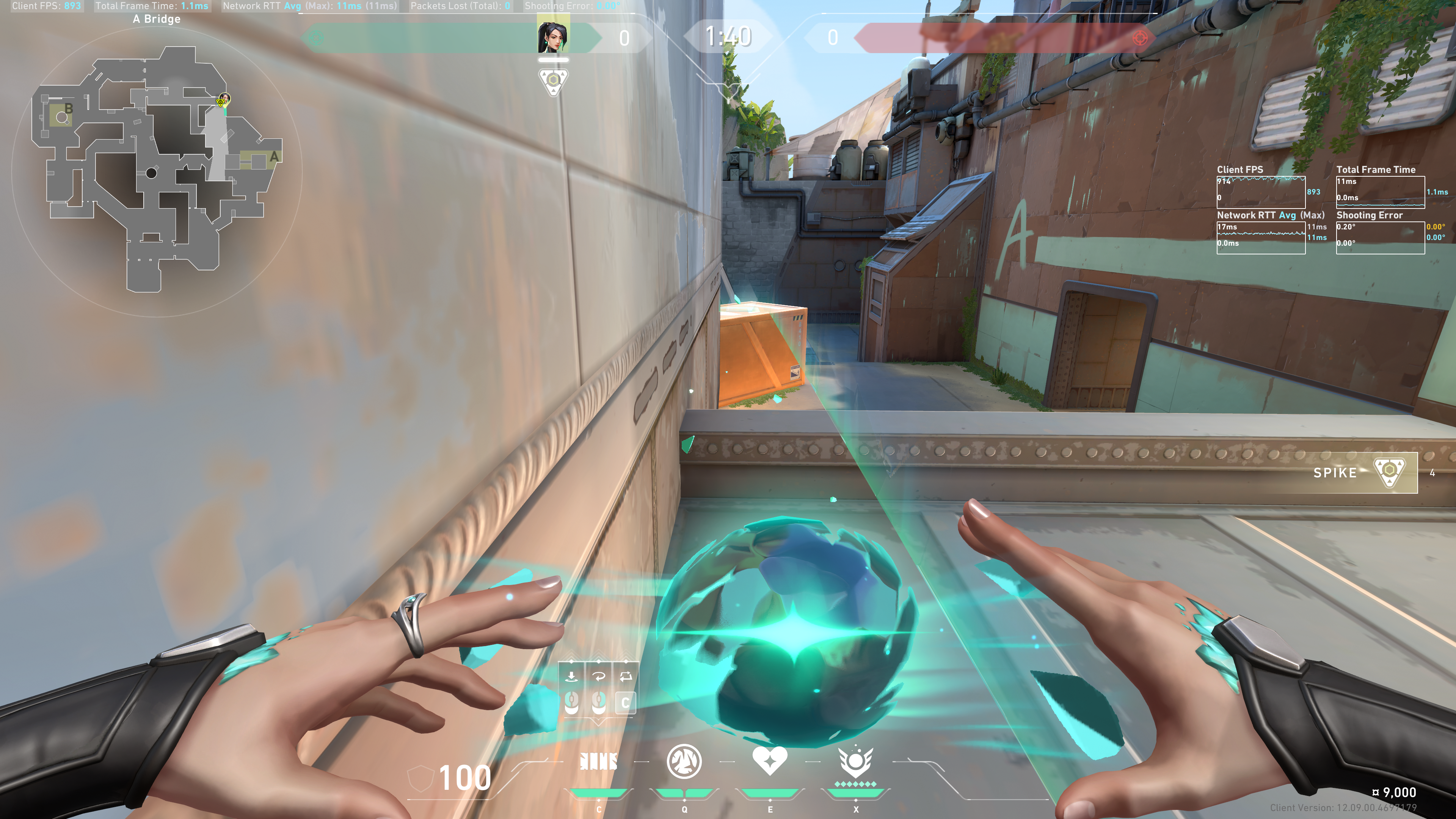
This means you will get an additional section of the wall.
If done correctly, you will get an Ice Wall that looks like this:
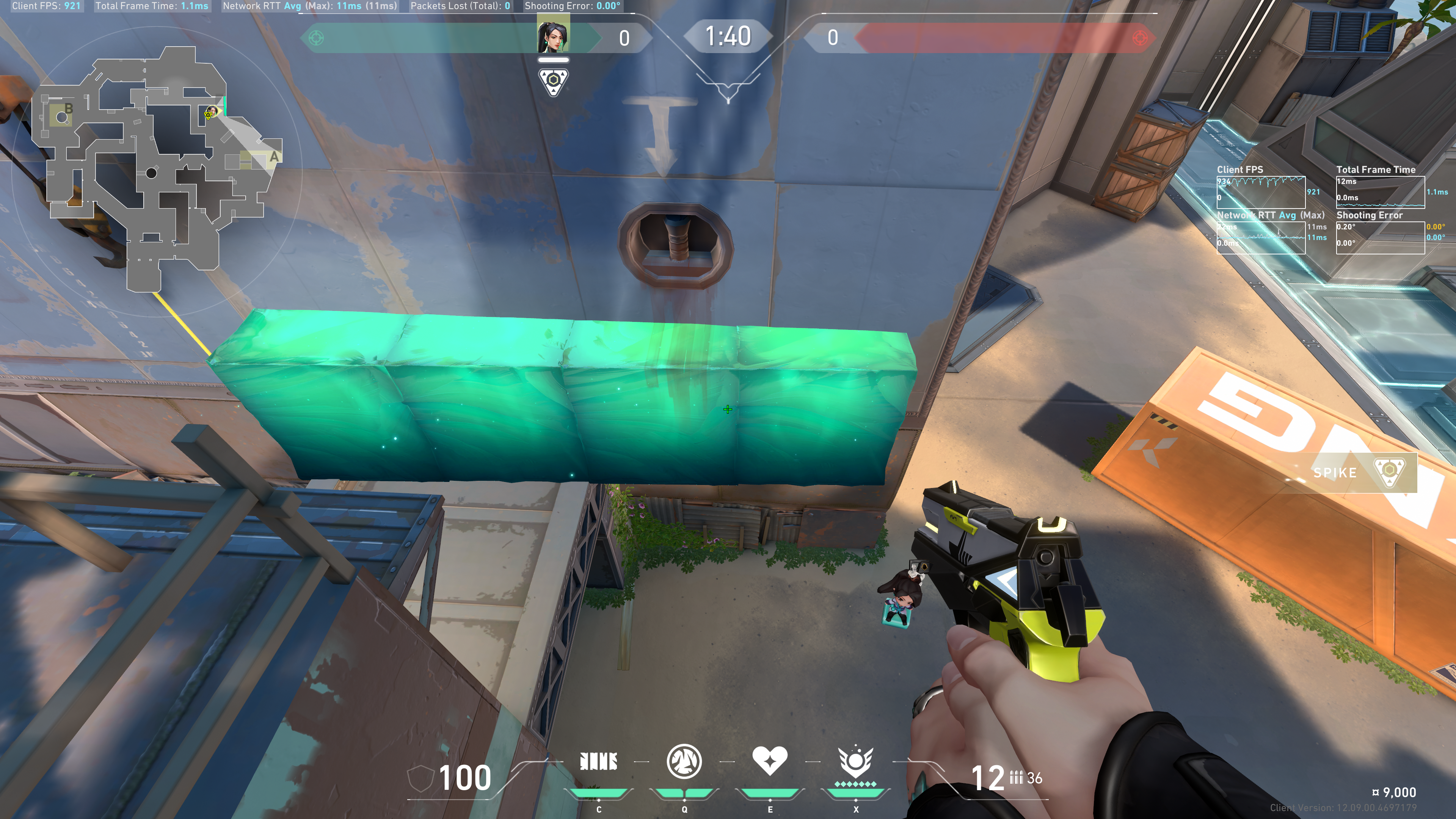
This allows you to peek over all default site smokes (except for Harbor's)
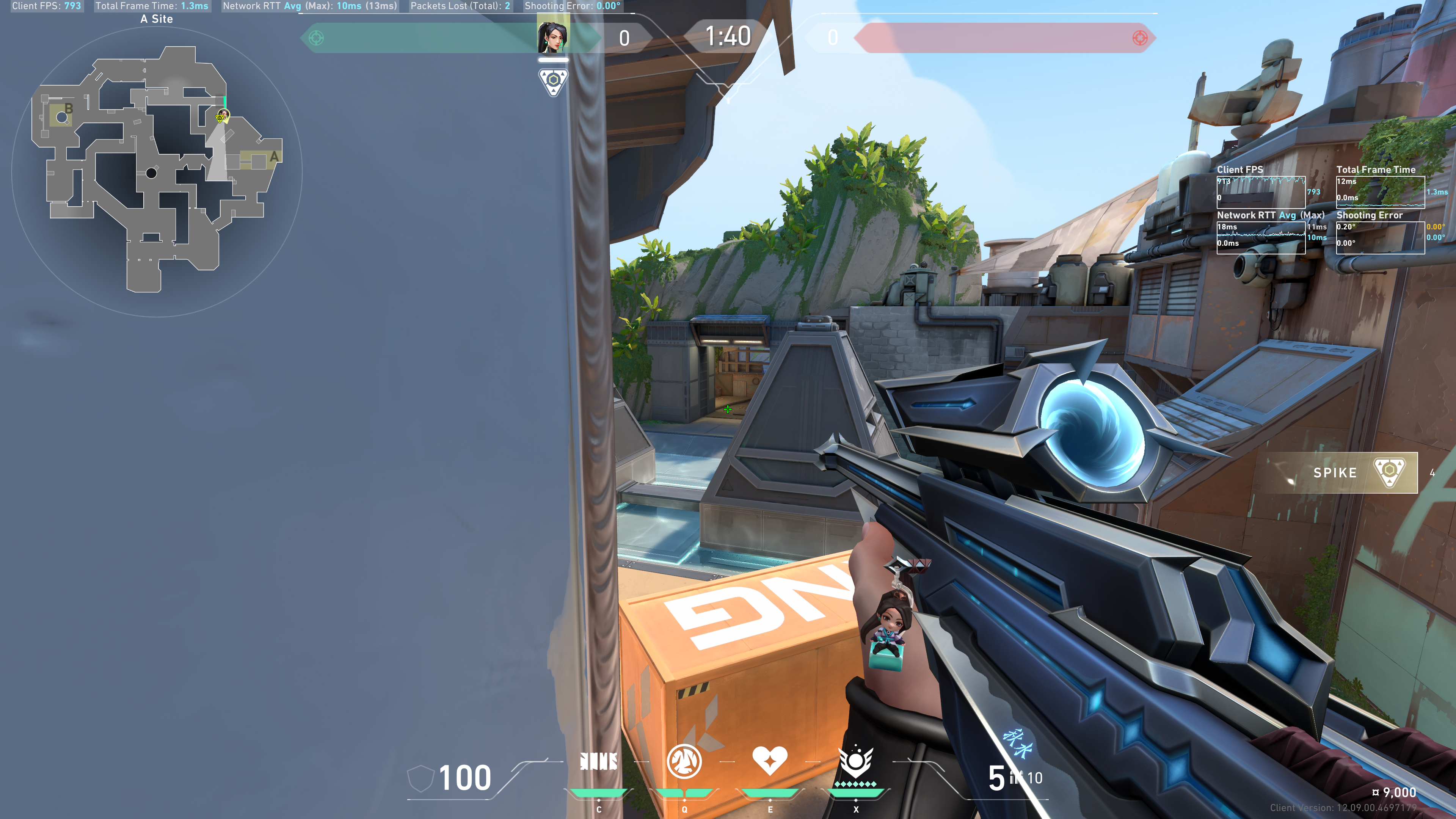
And also allows you to see Crab:
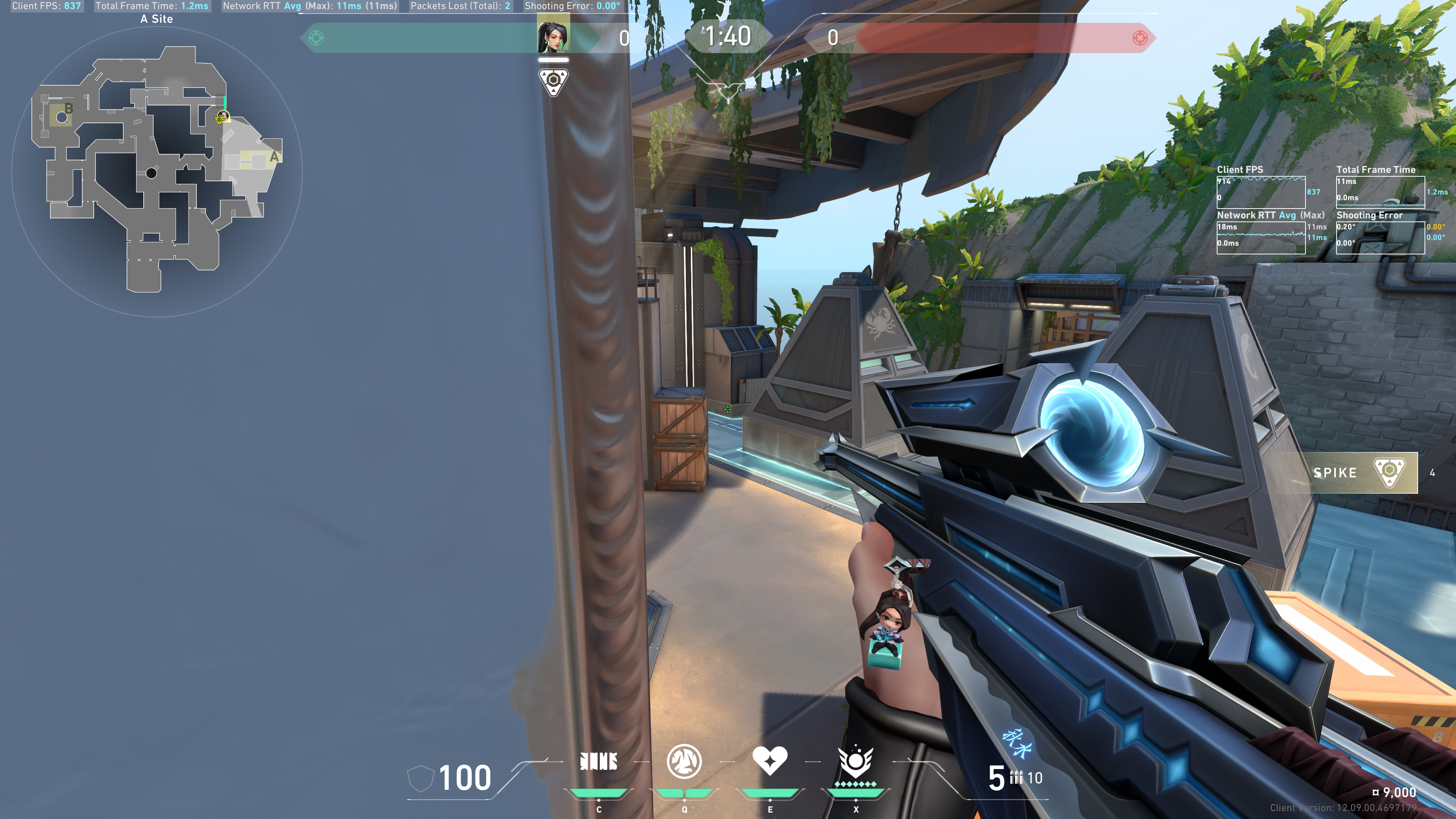
And finally, with good movement, you can jump onto Orange.